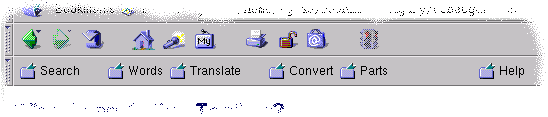
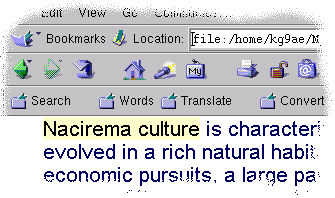
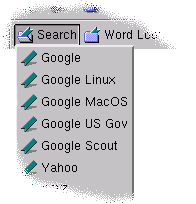
An Active Toolbar contains button links that run tiny JavaScript (aka ECMAScript or JScript) scripts. These scripts can do various things. The most useful scripts retrieve highlighted text, or the current URL, from your browser and pass that on to another web site such as a search engine.
Netscape Navigator allows you to designate one folder in your bookmarks to be the Personal Toolbar Folder. You simply place these special JavaScript hyperlinks in the Personal Toolbar Folder of your bookmarks file. You add them to the bookmarks in the normal way: either by dragging the hyperlink to the toolbar, right clicking on the hyperlink and selecting "Add Bookmark for Link", or manually adding the hyperlink in the bookmark editor.
Internet Explorer allows you drag these JavaScript hyperlinks to the "Links" toolbar from the browser window or Favorites menu.
Why is this useful?
It allows you to quickly and easily search for terms, keywords, and short phrases within any web resource! You are no longer bound by the hyperlinks that the author has provided. Every scrap of text within a document instantly becomes the hyperlink of your choice!
How do I use it?
It depends on the script that the button runs. Those scripts which retrieve text from the browser have two modes: there is highlighted text or there is no highlighted text.
Highlighted Text
When highlighted text is found the script passes that text to some other site, such as a search engine.
No Highlighted Text
When no text selection is found a dialog box may appear prompting you for a word or phrase.
Alternatively, the script could pass the current URL to some other web site. The latter behavior would be useful for something such as Babelfish where you may supply a URL or short phrase for translation into another language. If no text is selected within the document then Babelfish would translate the entire document.

 [ SWISH ]
[ Simple Search ]
[ Trunk Calc ]
[ SWISH ]
[ Simple Search ]
[ Trunk Calc ]